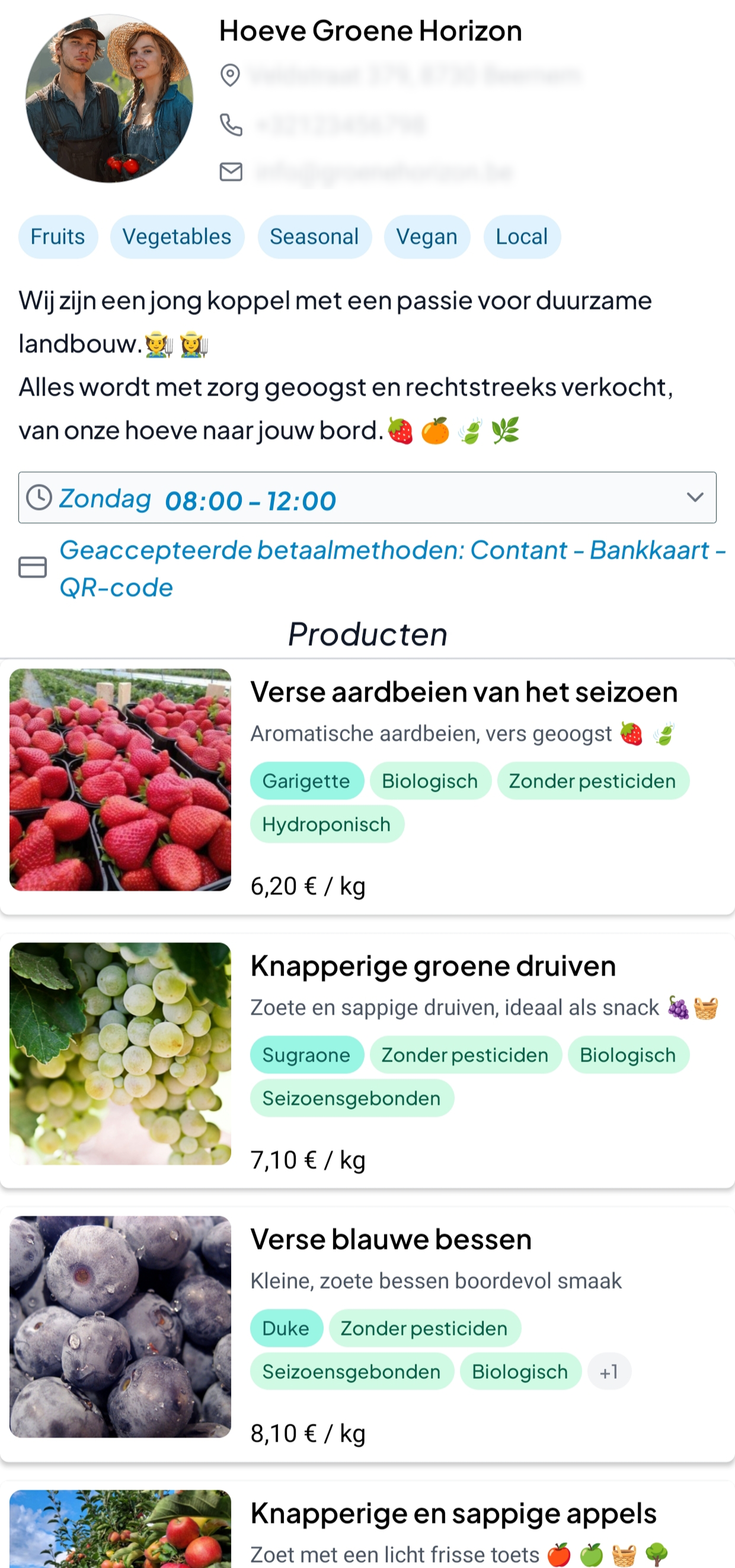
1
Create your account
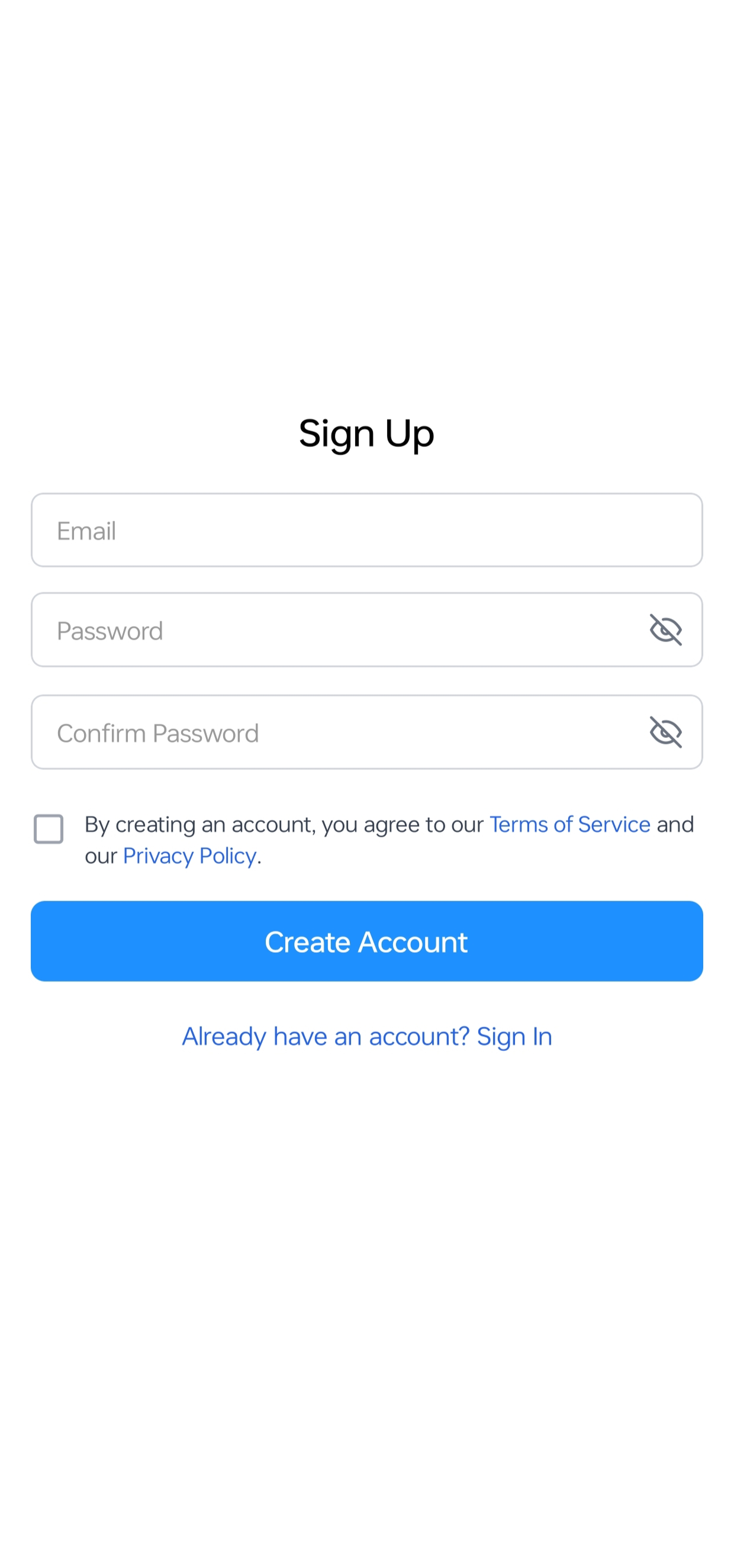
Start by creating your account with your email address, password, and acceptance of the terms.
Follow these simple steps to set up your seller profile, complete your store information, and publish your first product.
Start by creating your account with your email address, password, and acceptance of the terms.
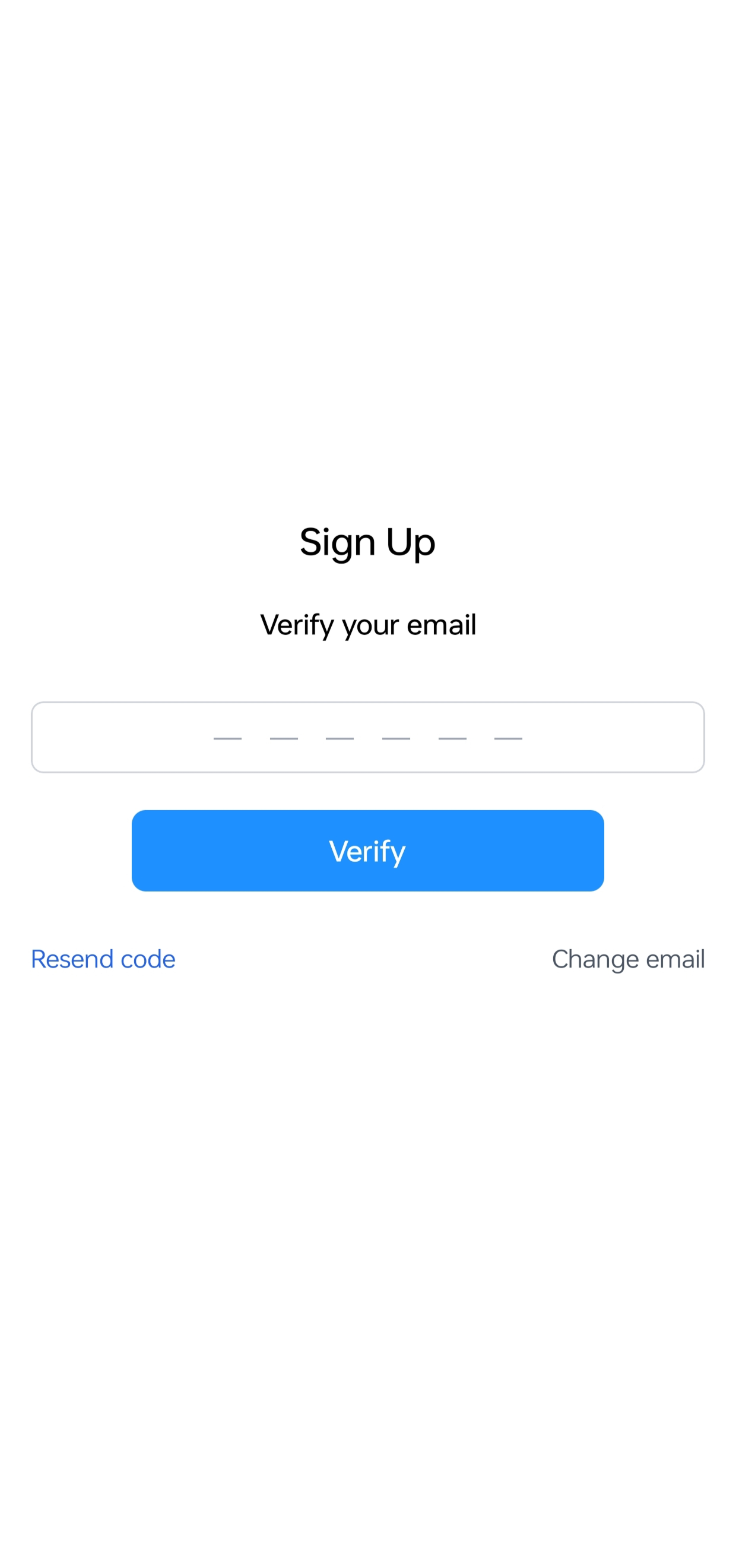
Enter the verification code sent to your email address to confirm your account.
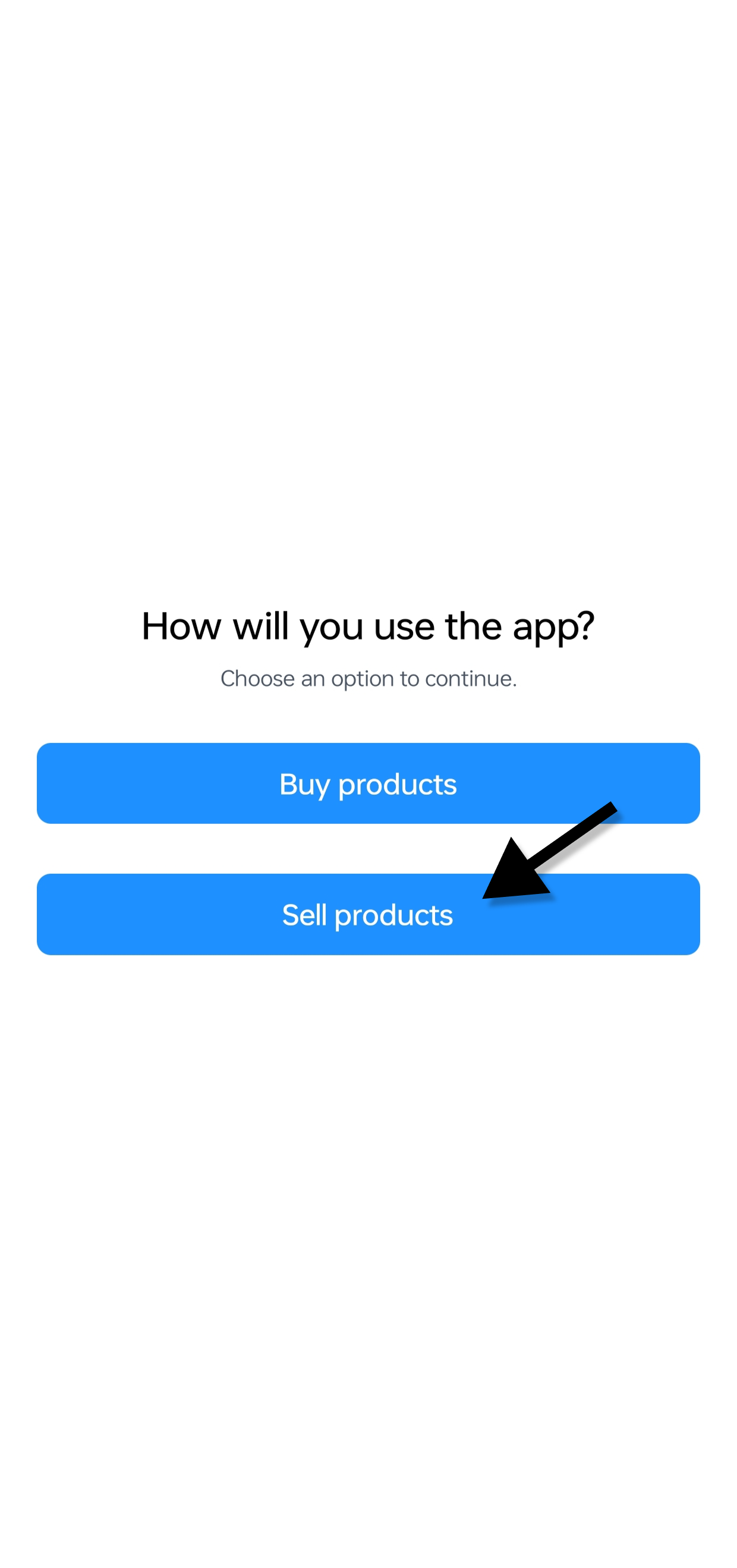
When asked how you will use the app, select “Sell products” to continue as a seller.
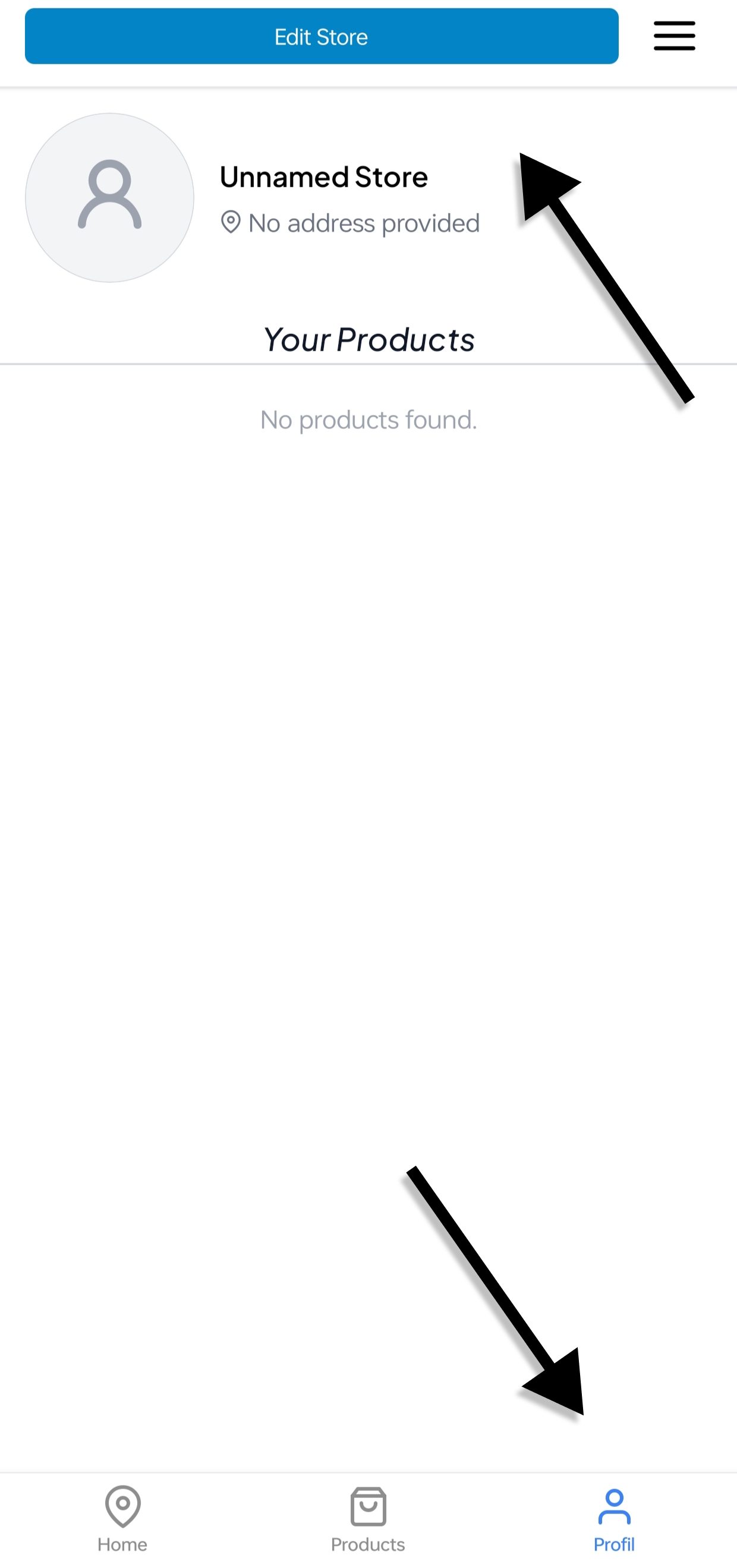
Open the Profile tab, tap “Edit Store”, then complete your store information such as name, address, description, opening hours, payment methods and delivery options.
Tap the “+” button in your products section, add product photos, details, price and availability, then publish your product.
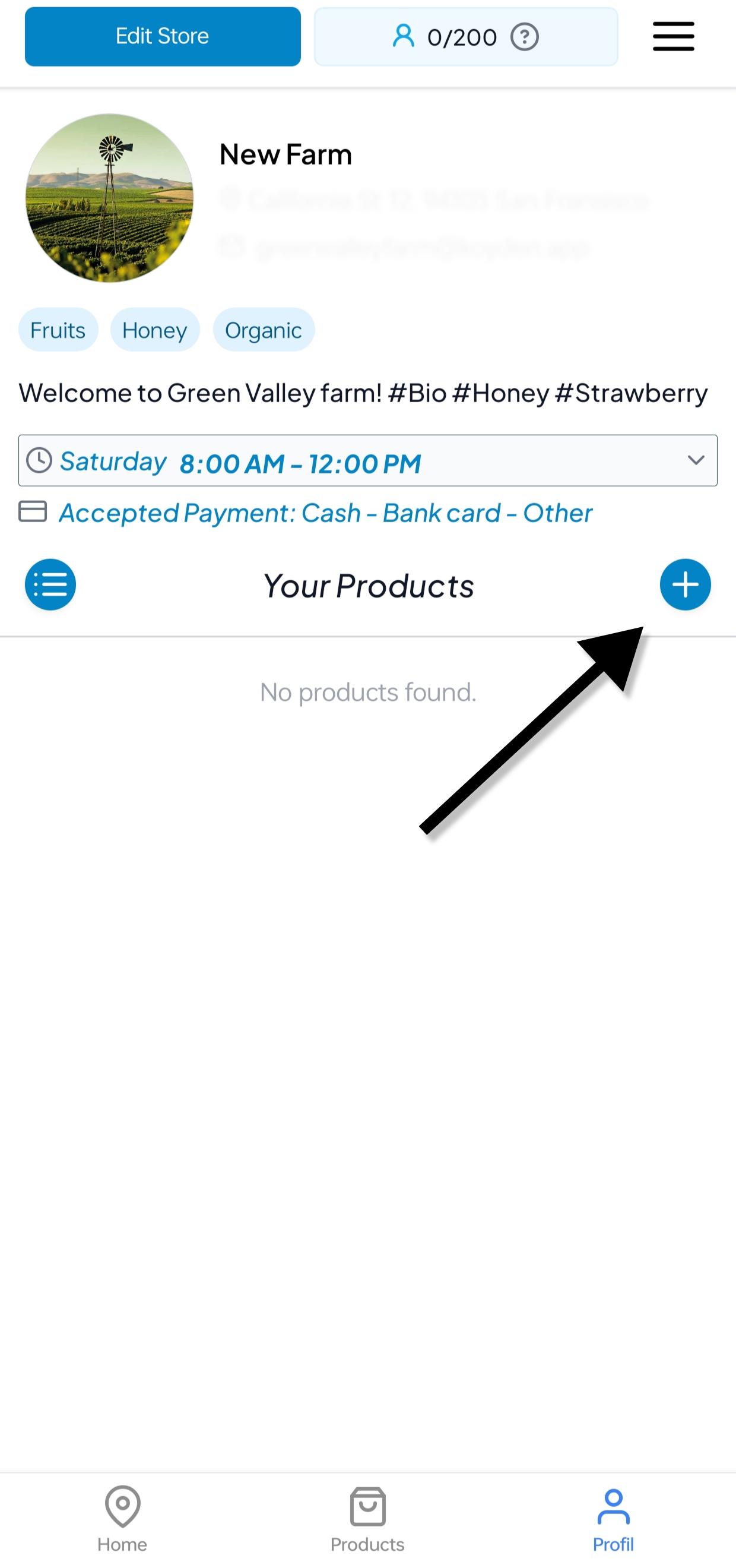
After completing your profile and adding products, buyers can view your store information, opening hours, payment methods and products in one place.